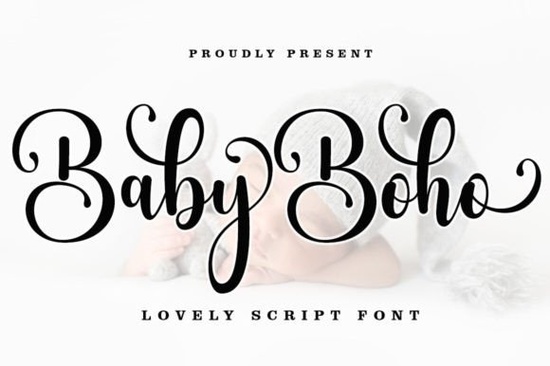
If you're working on a design project that needs a casual, modern calligraphy style, Baby Boho Font is a script typeface worth a closer look. It comes with a regular weight and includes decorative swashes that add a handmade feel to your text. Because it’s encoded with PUA Unicode, you can access those extra characters without any special software – just your usual design tools.
What makes Baby Boho Font different from other script fonts?
Many script fonts either look too formal or too playful. Baby Boho strikes a balance: it’s elegant enough for wedding invitations but relaxed enough for product labels or social media graphics. The swashes are built in, so you can add flourishes to start or end words with a single keystroke. That saves time when you’re working on logos or branding projects.
Another practical advantage is PUA support. You don’t need any extra plugins or font managers. On a Mac, open Font Book; on Windows, use Character Map. Copy the swash characters directly into your text editor or design app. This makes the font accessible for everyone, no matter their technical skills.
Who should use this font?
- Print-on-demand sellers – use it for t-shirt designs, mugs, or wall art that need a trendy, boho look.
- Small business owners – create consistent branding for packaging, signage, and business cards.
- Wedding stationery designers – the swashes work beautifully on save-the-dates, invitations, and thank-you cards.
- Crafters and hobbyists – add a personal touch to scrapbooks, bullet journals, or gift tags.
How can you use Baby Boho Font in your next project?
The versatility of this script makes it a solid choice for many applications:
- Logos and branding – combine it with a simple sans serif for a modern contrast.
- Product packaging – the casual style fits organic, handmade, or artisan products.
- Headlines and posters – use it large for impact, especially with the swash alternates.
- Book covers and quotes – create a soft, welcoming vibe for romance, lifestyle, or self-help genres.
- Signatures and labels – the flowing letters give a personal, handwritten feel.
How do you access the swashes and alternate characters?
Because Baby Boho is PUA-encoded, you can insert the extras directly. In Adobe Illustrator or Photoshop, open the Glyphs panel to see all alternates. In Canva or Procreate, use a font viewer or copy from Character Map. This means you can customize each letter – perfect for one-of-a-kind designs.
What other script fonts work well with this style?
If you like Baby Boho, you might also enjoy Outside Font for a more organic, hand-drawn look. For something elegant, Olivia Scatcer Font brings graceful loops. Seasonal projects can use Christmas Lights Font or I Heart You Font for themed designs. And Wintersnow Font adds a frosty touch. Each of these scripts has its own personality, so you can mix them for multi-font projects.
If you’d like to see more options like these, browse our collection of script fonts that include swashes and PUA support. Many share the same casual elegance as Baby Boho.
A quick tip before you download
When testing Baby Boho Font, try it in a short phrase with a swash at the beginning or end. Use OpenType features in your design software to cycle through alternates. If your app doesn’t support OpenType, the PUA method works just as well. Pair the font with a neutral background to let the swashes stand out.
Next time you need a script that feels handmade but modern, start with Baby Boho Font. And keep the other scripts from our collection handy – they’re all worth a try for different projects.
Download Now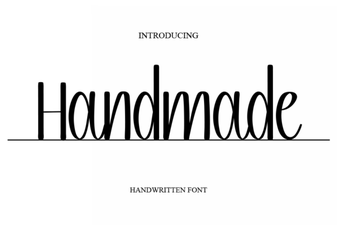 Handcrafted Font Designs for Creative Projects
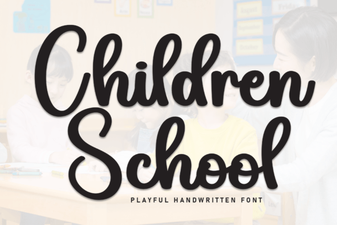 Creative Font Projects for Children's Learning
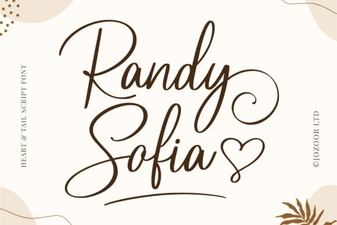 Randy Sofia Font for Clean, Modern Designs
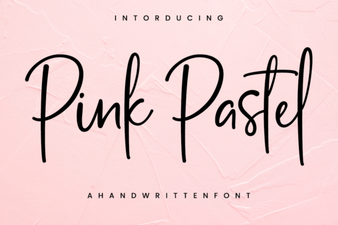 Pastel Pink Fonts: Elegant Design & Creative Project Ideas
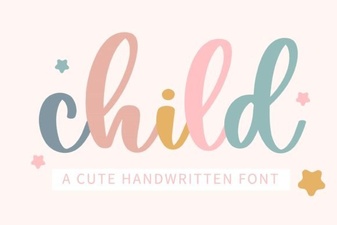 Perfect Fonts for Kids: Design Ideas & Free Downloads
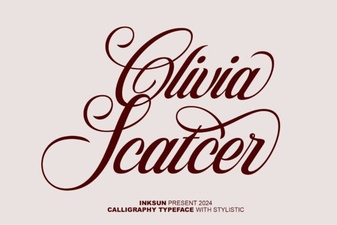 Olivia Scatcer Font for Creative Projects